Master the Full AI Visual Workflow.
Create Scroll-Stopping Images, Videos & Content
I’ll walk you through everything you need to know to create eye-catching visuals, turn them into videos, design professional content, and market like a pro using AI – perfect for small businesses and digital marketers.
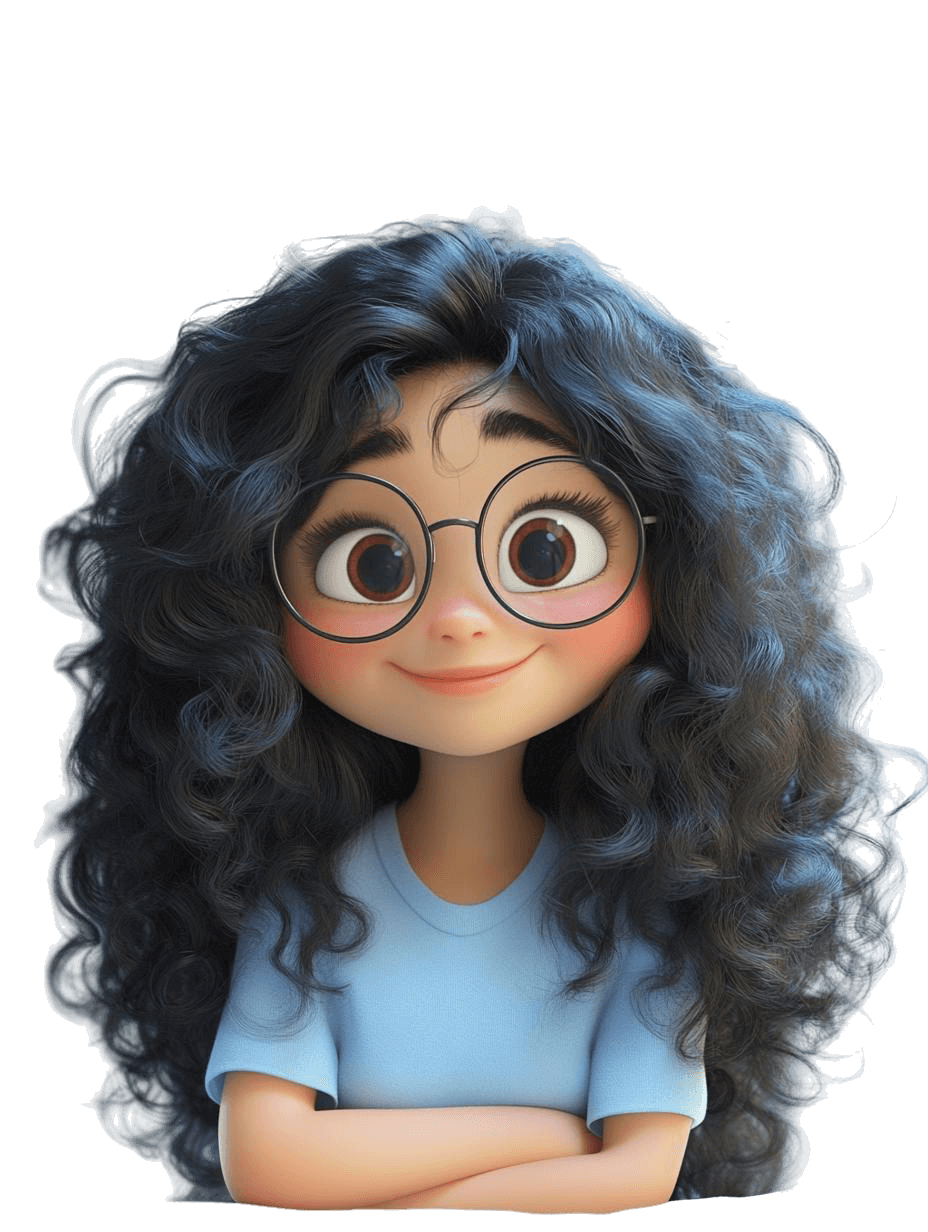
Create Pro-Quality Images
Craft stunning, on-brand graphics that match your vision using Midjourney and Flux-LoRA — no design experience needed.
Turn Your AI Images Into Scroll-Stopping Shorts
Turn your AI images into short-form videos with tools like Kling & Minimax — perfect for Reels and TikToks.
Design Polished Content
Use Canva to transform your visuals into carousels, pins, product mockups & content that looks polished across every platform.
Who The AI Creative Suite Is For
This is for creators who want to:
Stop wasting hours designing content from scratch
Transform your workflow from tedious manual design to efficient AI-powered creation, saving you hours on every project. What used to take days now takes minutes.
Turn AI images into content that actually performs
Create scroll-stopping visuals that capture attention and drive engagement across all your platforms. Stand out in crowded feeds with professional-quality content.
Learn tools like Midjourney, Runway, and Canva with ease
Master complex AI tools through step-by-step guidance designed for beginners and experienced creators alike. No technical background required.
Build a content system that saves time & looks amazing
Develop a repeatable workflow that consistently produces professional-quality content with minimal effort. Create a content engine that runs smoothly.
What’s Inside The AI Creative Suite
You get instant access to all 3 courses:

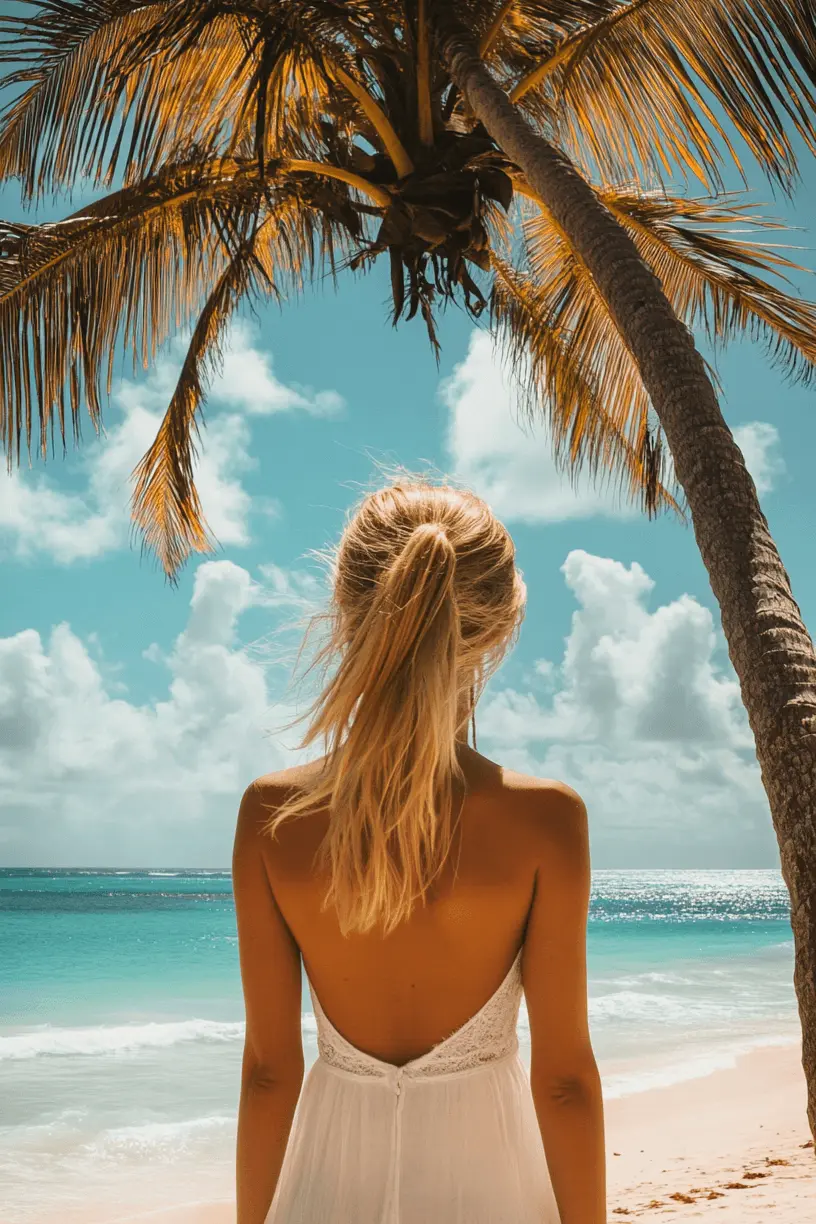
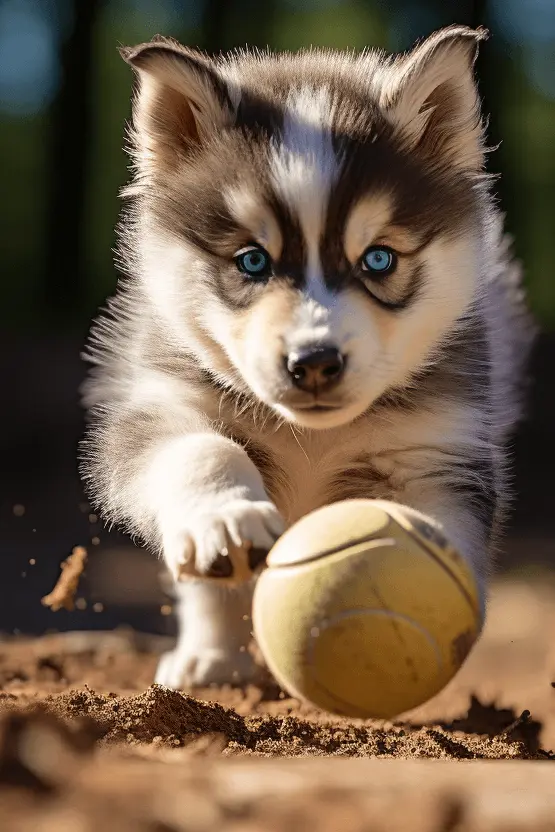
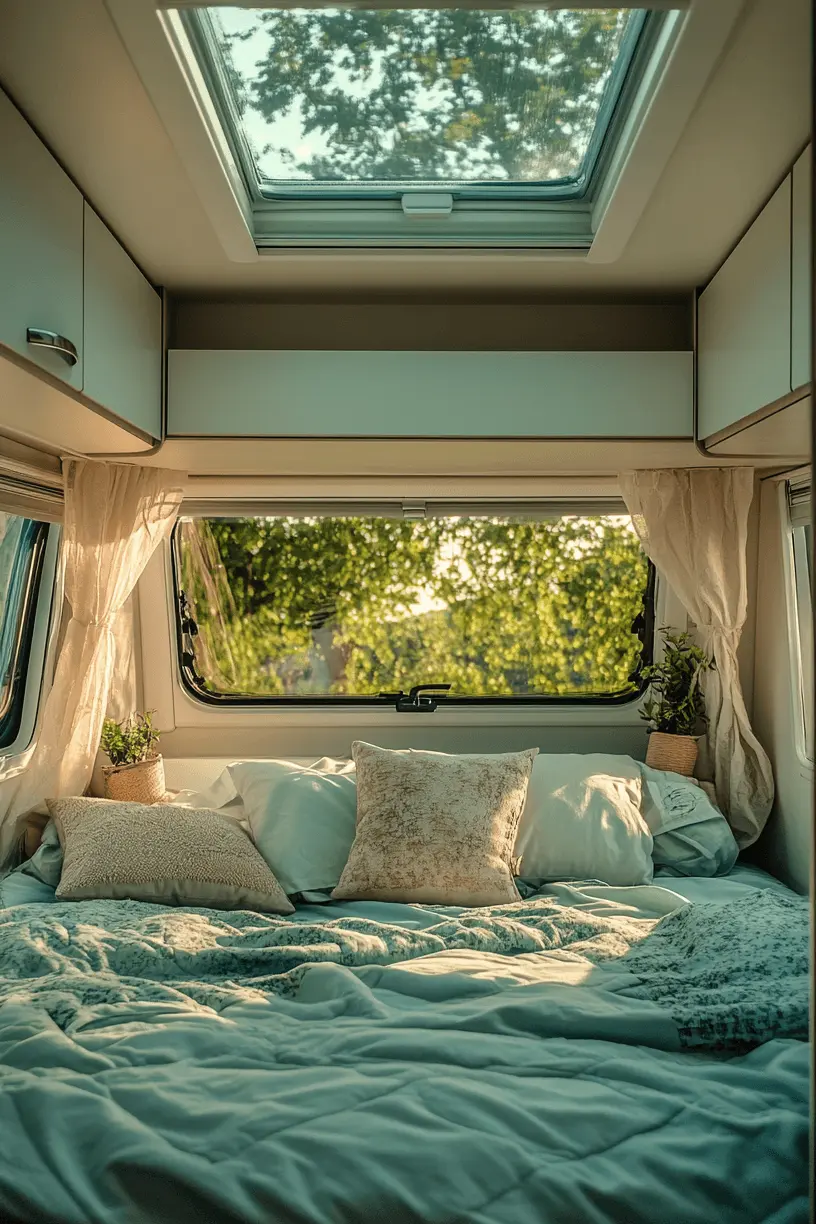







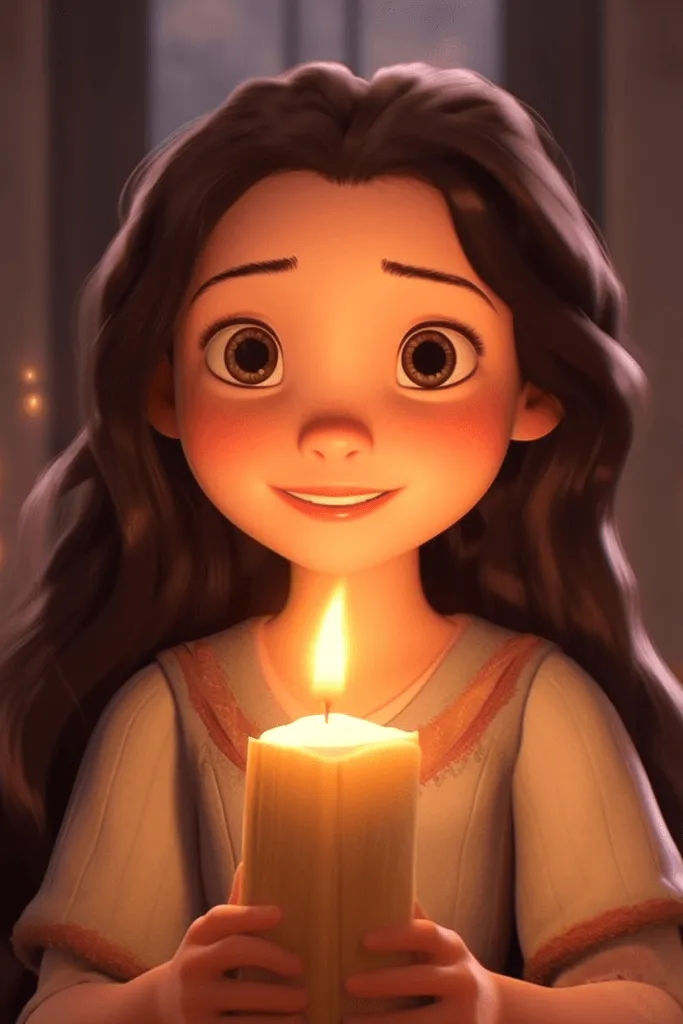
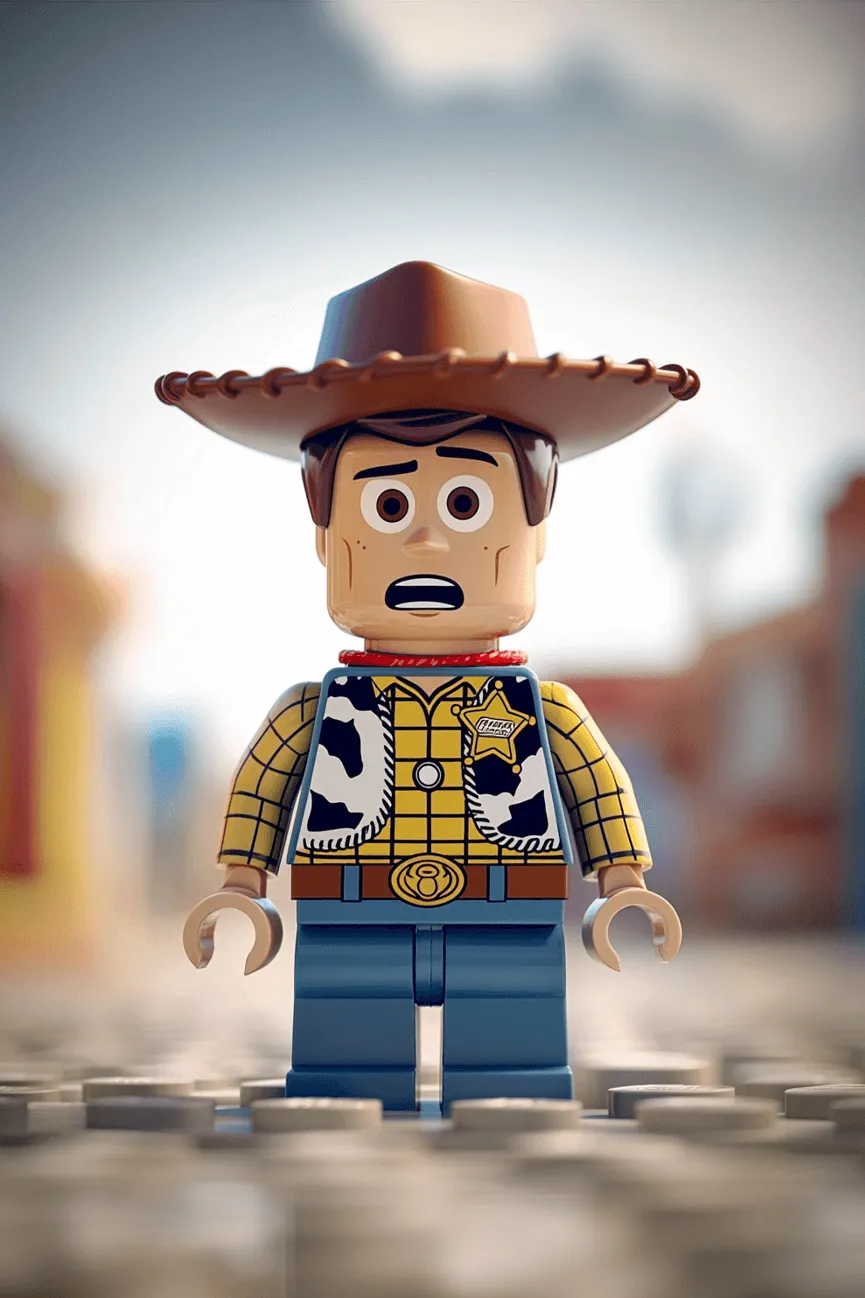
Course 1: Picture This: Turn Words Into Stunning AI Art
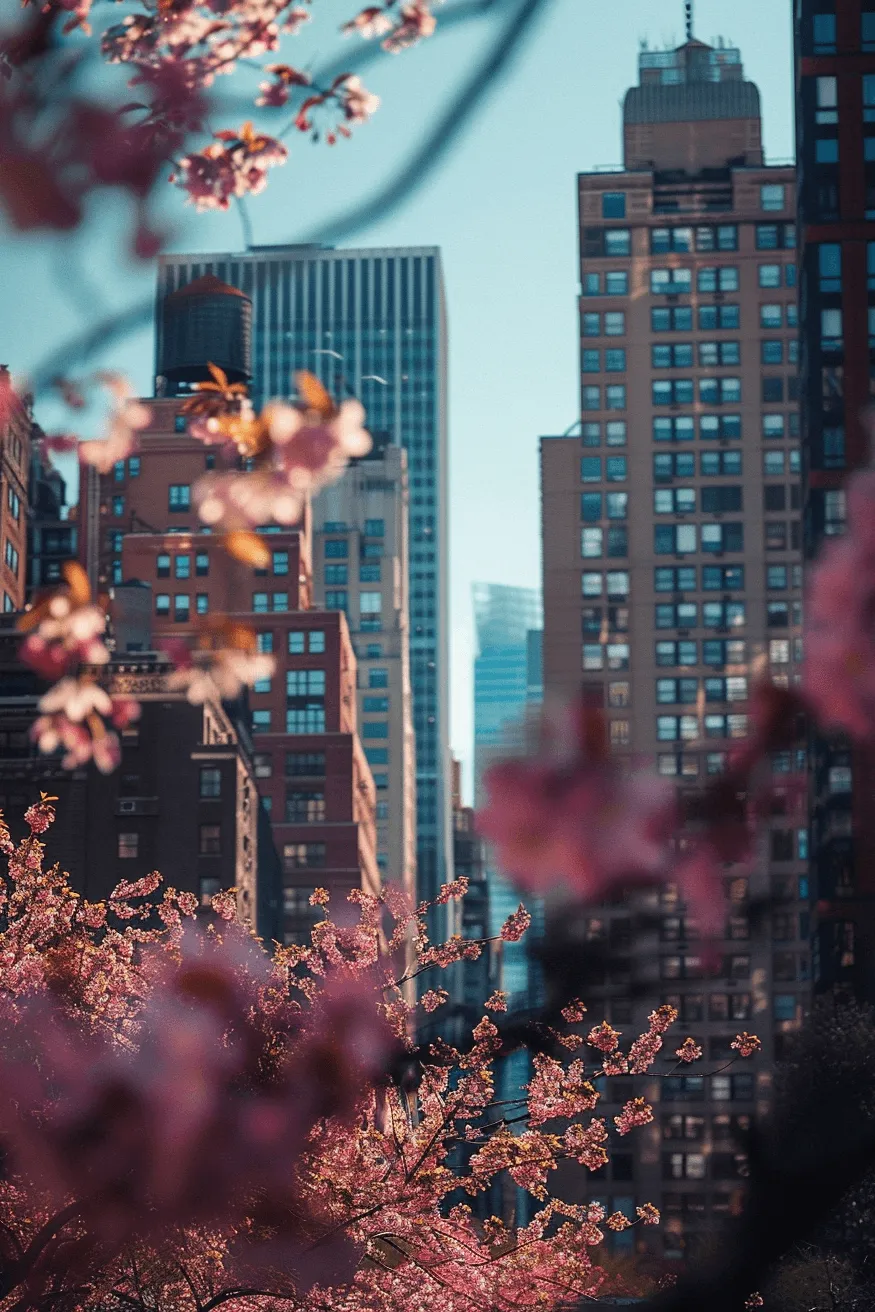
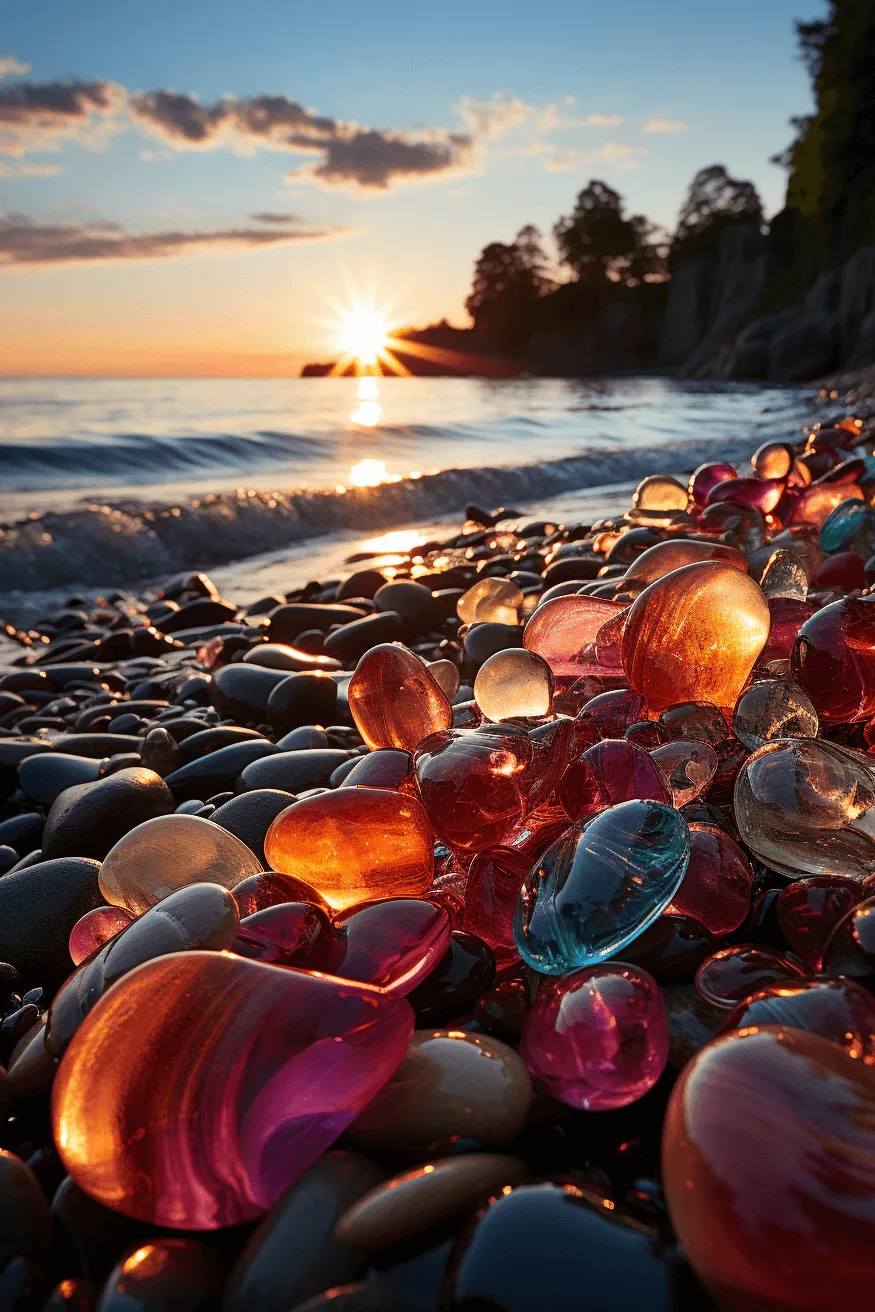
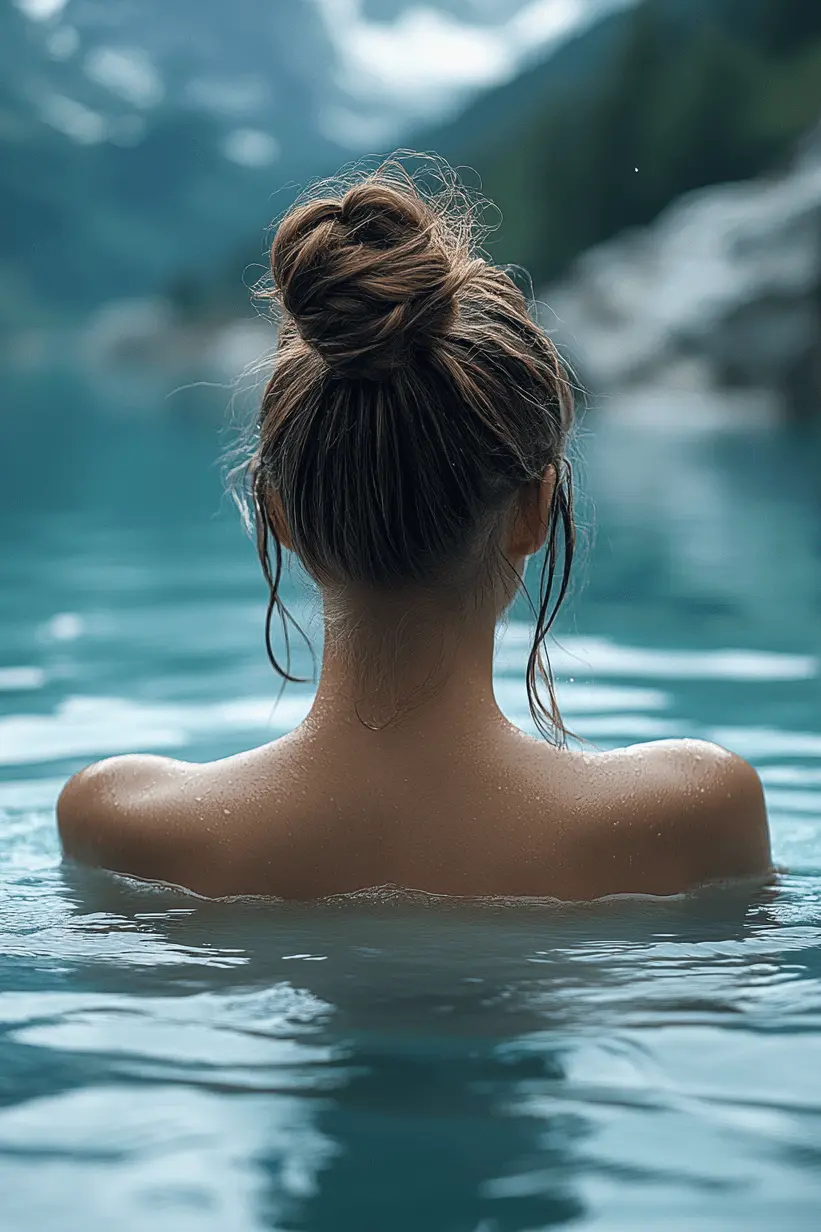
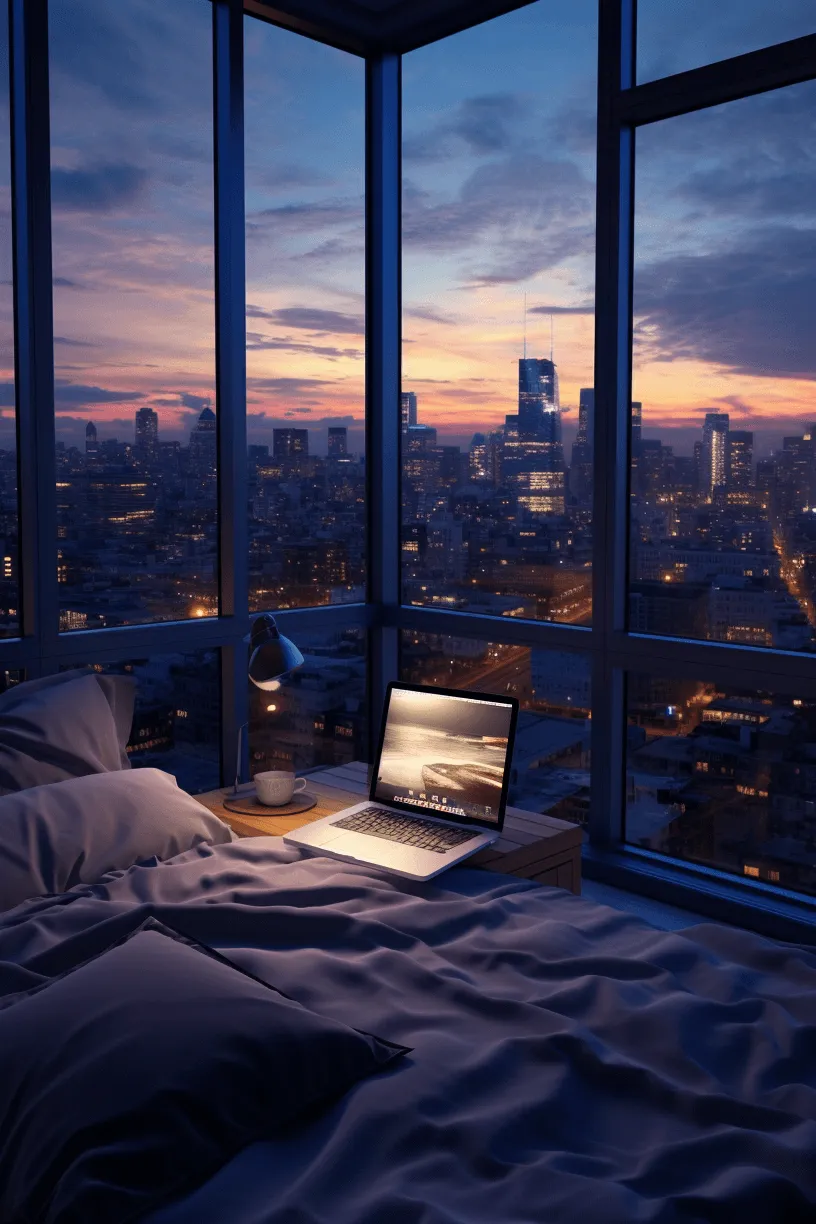
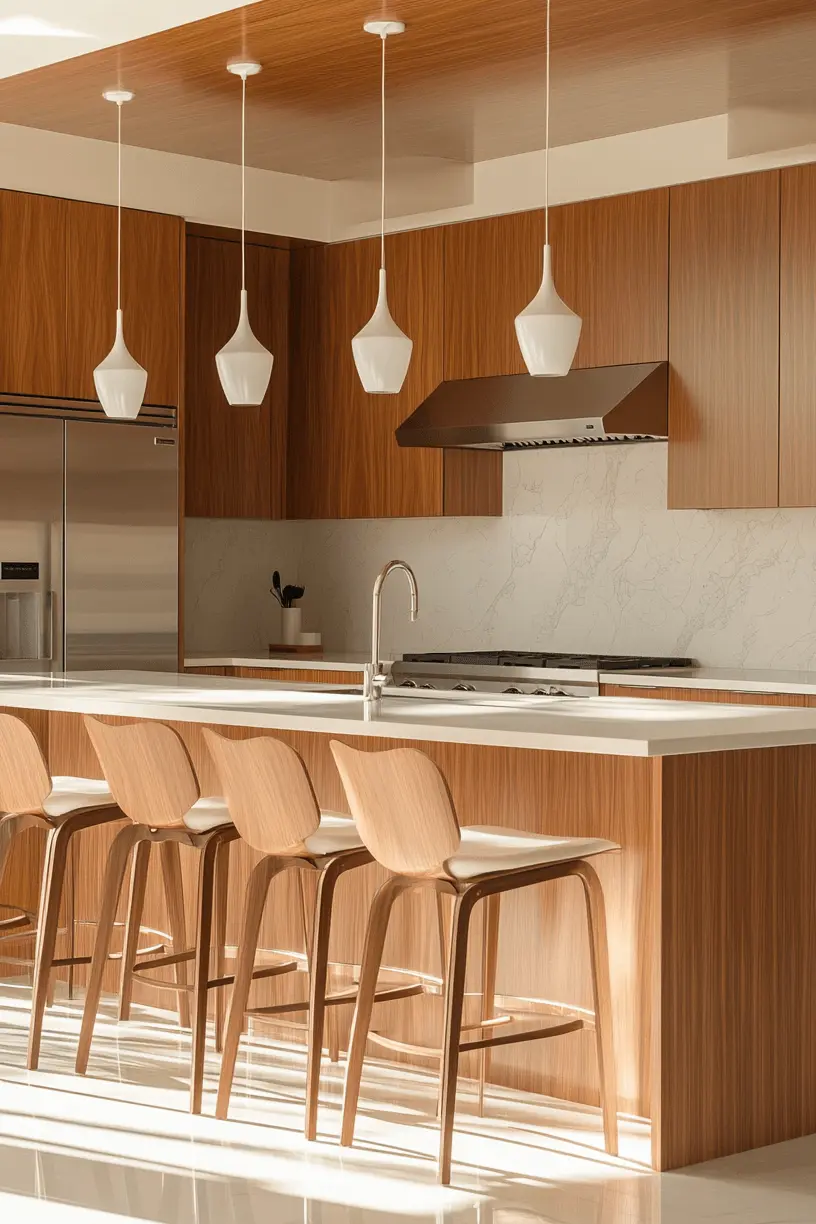
Create stunning AI-generated images with Midjourney & ChatGPT that captivate your audience. Learn how to create the perfect prompts for any style or concept you can imagine.
- Create photo & illustrated images
- Styles, consistency, & design tips
- Create beautiful images fast
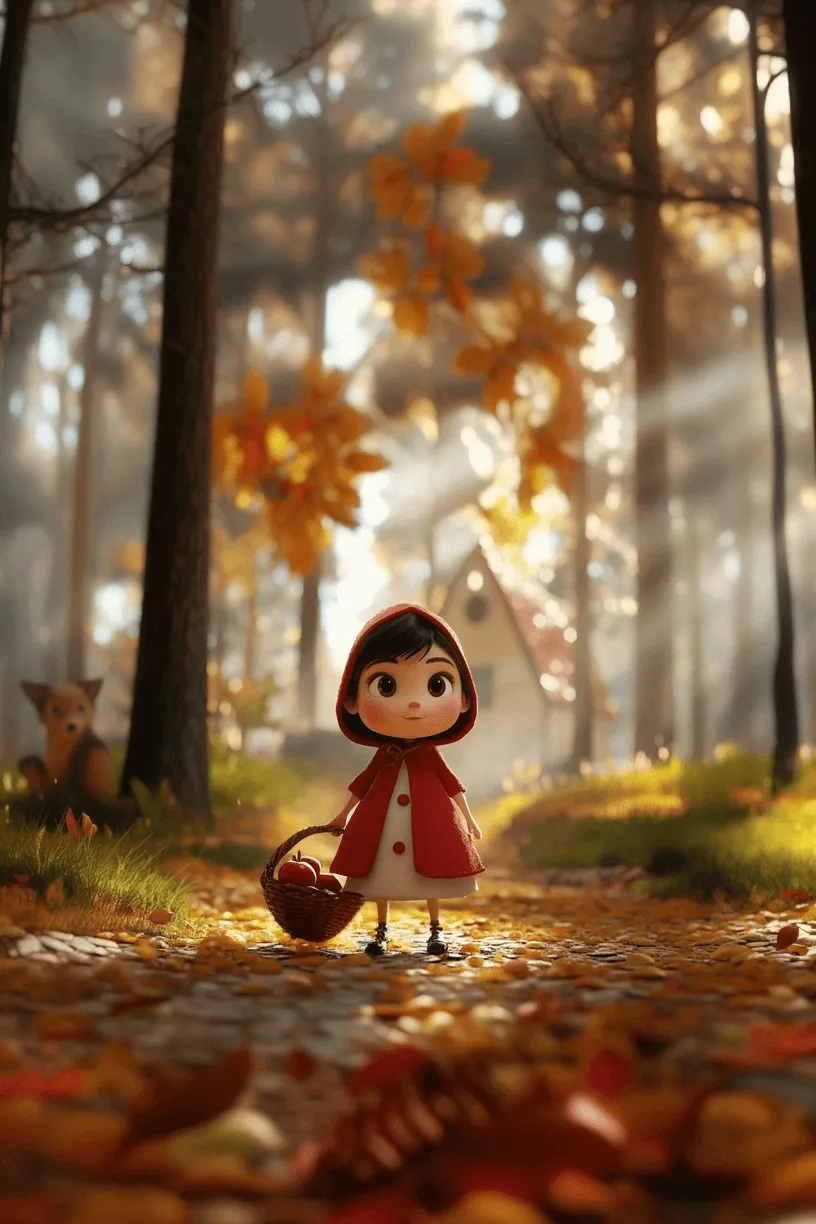
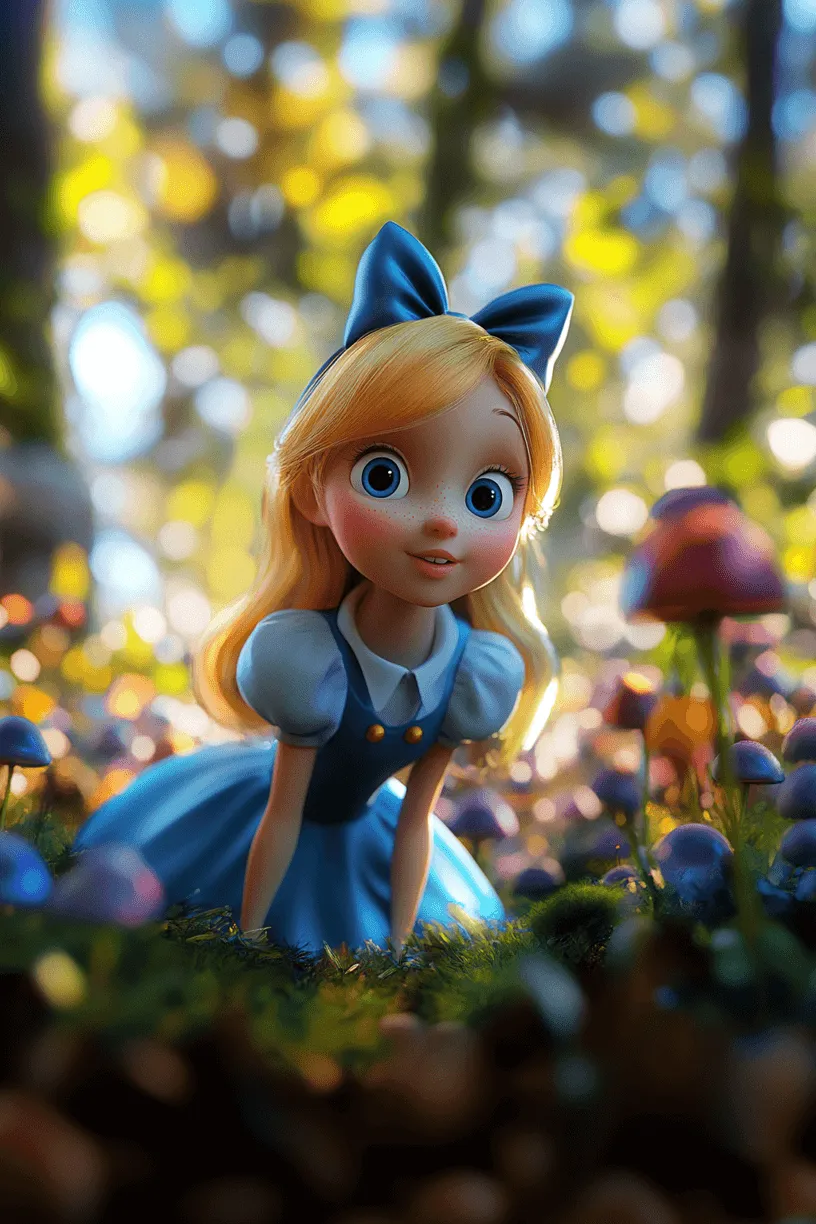
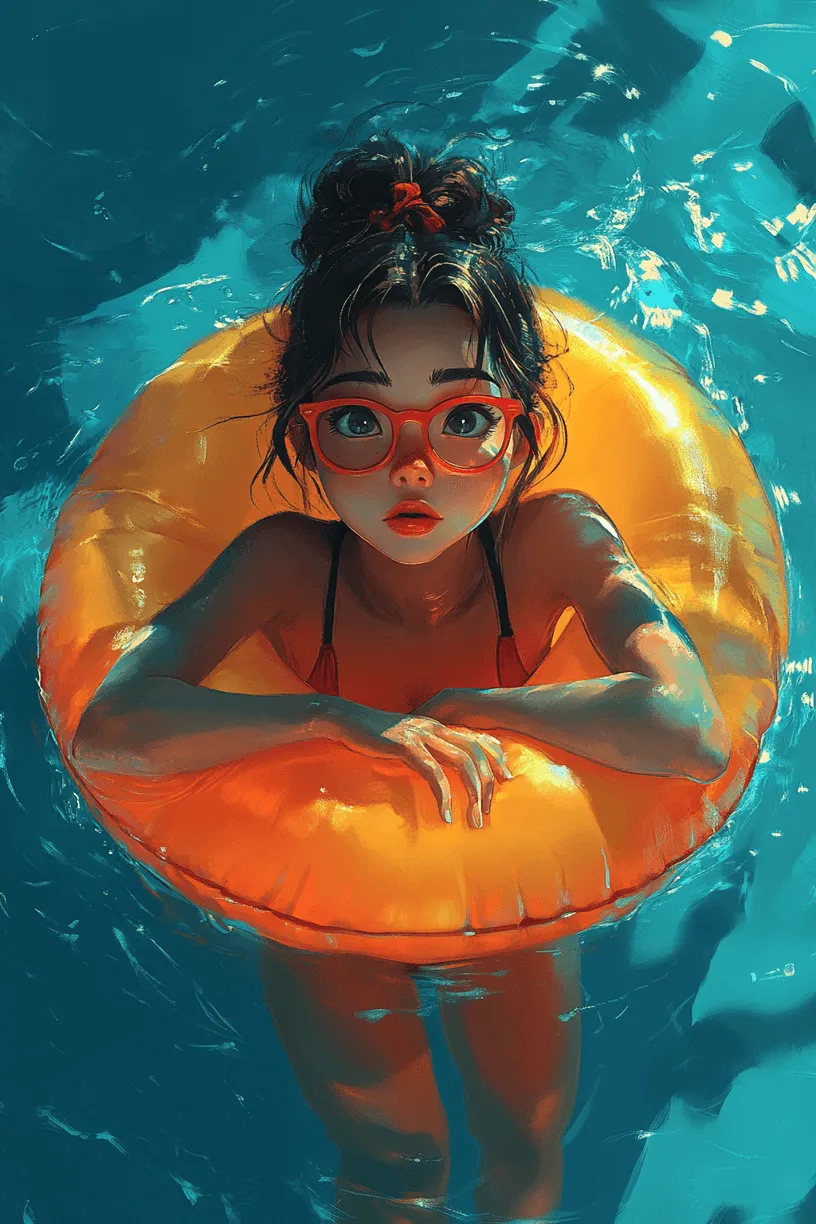
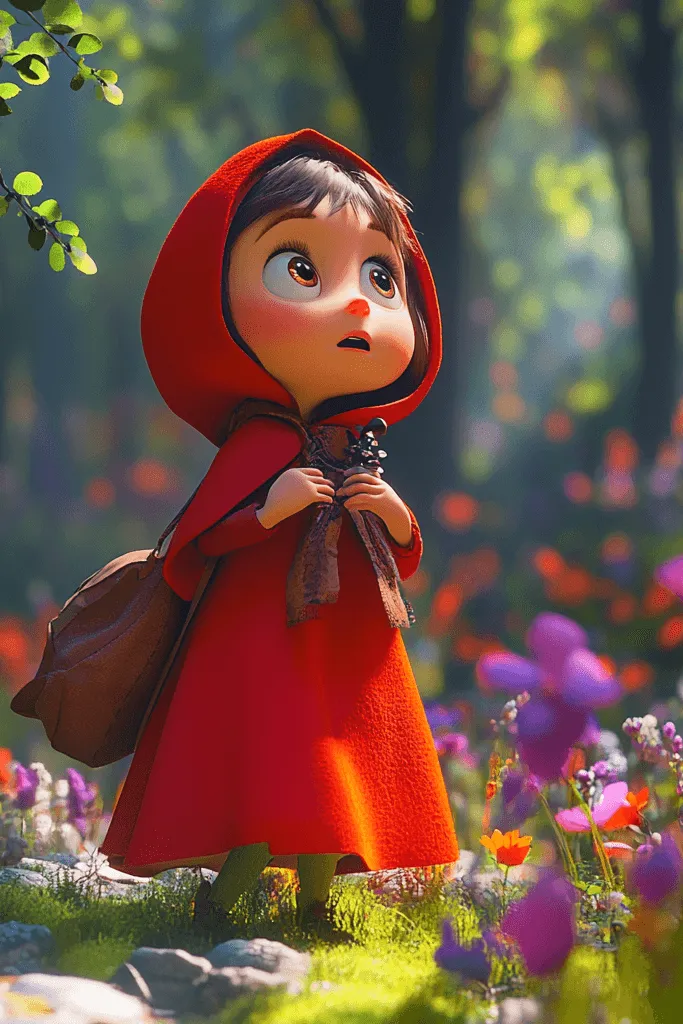
Course 2: Animate This: From Still to Story
Transform static images into videos that grab attention and boost engagement. Bring your AI art to life using tools like Kling and Hunyuan to create short-form videos — no editing experience needed.
- Create scroll-stopping videos — fast
- Create Reels, TikToks, Shorts, & more
- Add movement, music & voiceover

Course 3: Publish This: Polish, Layout & Launch
Transform your images and videos into digital products — think ebooks, lead magnets, slides, and mini-courses that actually sell. Learn how to use Canva to create polished, ready-to-publish content.
- Design carousels, pins, and mockups
- Create cohesive, branded content in minutes
- Quick templates & tools for pro content